While visually elaborate calendars with graphics and colors have their appeal, sometimes simplicity is exactly what you need. A text-only calendar strips away all decorative elements, leaving you with a clean, minimalist grid that loads instantly, prints efficiently, and remains accessible on any device. For users with visual impairments relying on screen readers, individuals working with older printers, or professionals who simply prefer a no-nonsense approach to time management, a free printable text version of the May 2026 calendar is the ideal solution. This guide provides a complete text-based layout of May 2026, highlights key dates, and explains how to use and customize plain-text calendars effectively.
May 2026 Calendar: Complete Text Format
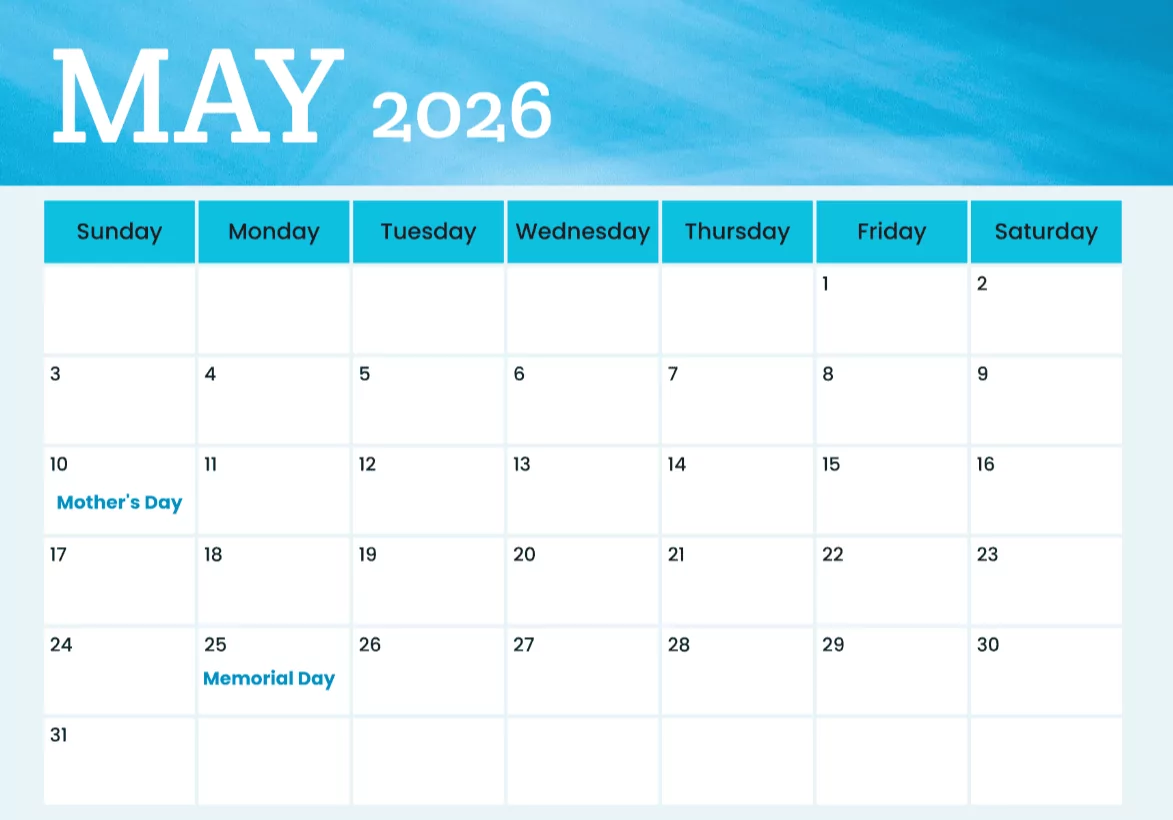
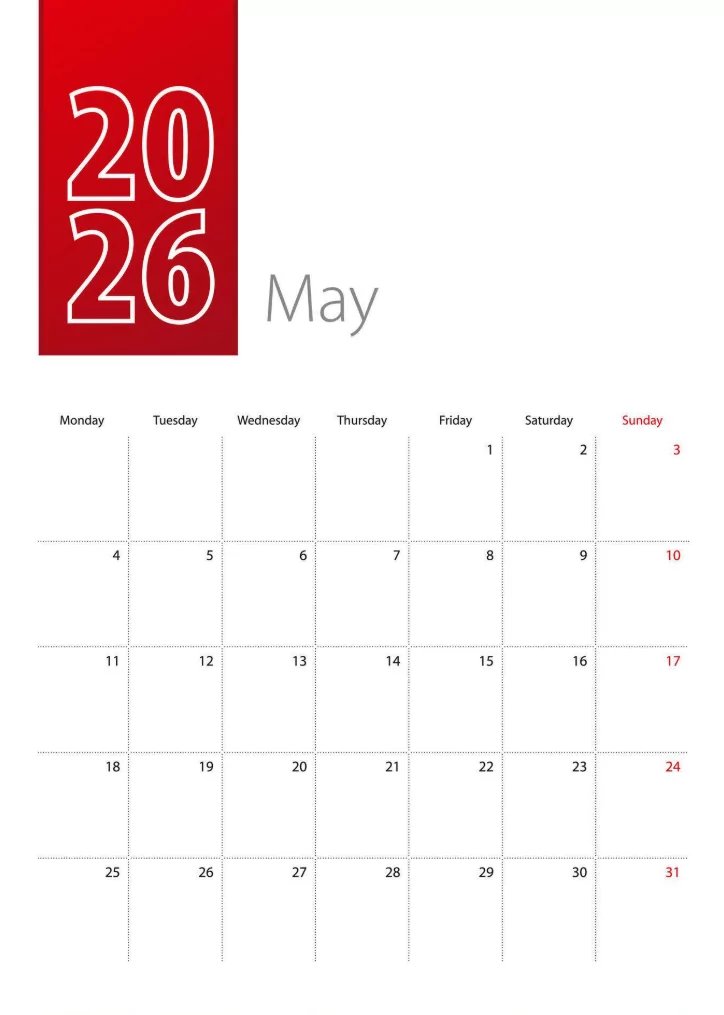
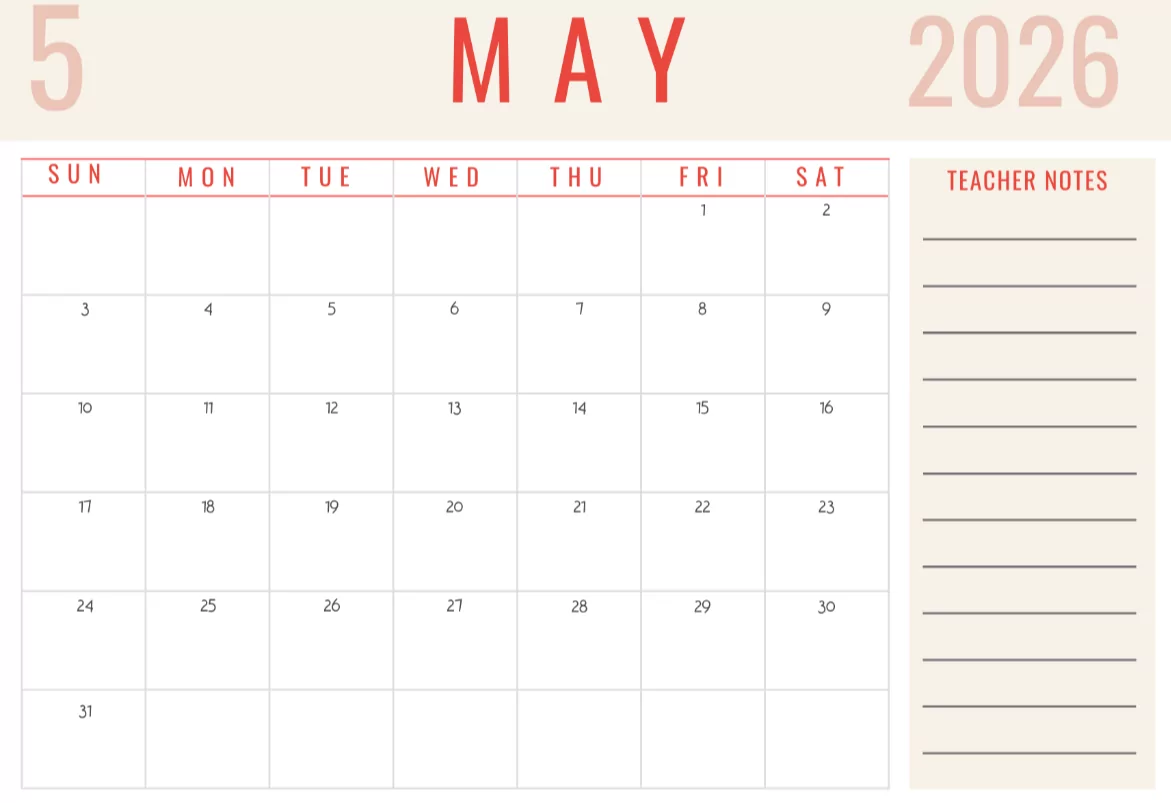
Below is a complete text-based representation of May 2026. This layout displays the entire month in a traditional seven-column grid, starting with Sunday and ending with Saturday. You can copy this text directly into a Word document, plain text file, or email.
         MAY 2026

Sun  Mon  Tue  Wed  Thu  Fri  Sat
                       1    2    3
 4    5    6    7    8    9   10
11   12   13   14   15   16   17
18   19   20   21   22   23   24
25   26   27   28   29   30   31
May 2026 At a Glance
- Total Days: 31
- First Day: Friday, May 1
- Last Day: Sunday, May 31
- Number of Weekends: 5 (May 2-3, 9-10, 16-17, 23-24, 30-31)
- Number of Weekdays: 21
Key Holidays and Observances in May 2026
Understanding which dates carry special significance helps you plan your month more effectively. Here are the major holidays and observances occurring in May 2026.
- Friday, May 1: May Day / International Workers’ Day (Not a US federal holiday, but widely observed globally)
- Tuesday, May 5: Cinco de Mayo (Cultural celebration in the United States)
- Sunday, May 10: Mother’s Day (Second Sunday of May)
- Monday, May 25: Memorial Day (Federal holiday observing fallen US military service members)
Benefits of Using a Text-Only Calendar
While image-based and PDF calendars dominate online searches, text-based calendars offer several distinct advantages that make them the preferred choice for specific use cases.
Universal Accessibility
Text calendars are fully compatible with screen readers and assistive technologies used by individuals with visual impairments. Unlike complex PDF layouts that can confuse navigation software, plain text is read linearly and clearly. Every date is announced in a logical sequence, ensuring all users have equal access to the calendar information.
Minimal File Size and Fast Loading
A text calendar file is typically under 1 KB, compared to a standard PDF calendar that can range from 50 KB to several megabytes. This makes text calendars ideal for sharing via email, embedding in websites with limited bandwidth, or archiving in large quantities without consuming significant storage space. They load instantly even on slow internet connections or older devices.
Easy Editing and Customization
Plain text calendars can be opened and edited in any text editor, including Notepad, TextEdit, Google Docs, or Microsoft Word. You can quickly add notes beside specific dates, adjust spacing for better readability, or copy individual weeks into emails or project management tools. This flexibility is unmatched by locked PDF formats or image files.
Printer-Friendly
Text calendars print cleanly on any printer without requiring color ink, high-resolution settings, or special paper. They are perfect for quick reference prints in office environments where ink conservation is a priority. Additionally, because they contain no images or complex formatting, they never suffer from alignment issues or cut-off margins during printing.
How to Create Your Own Customized Text Calendar
If you want to personalize the basic May 2026 text calendar provided above, follow these simple steps to add your own appointments, notes, and reminders.
Step 1: Copy the Text Calendar
Highlight the entire text calendar grid shown earlier in this article. Right-click and select “Copy,” or use the keyboard shortcut Ctrl+C (Windows) or Command+C (Mac).
Step 2: Paste Into a Text Editor
Open your preferred text editing program. For maximum simplicity, use Notepad (Windows) or TextEdit set to Plain Text mode (Mac). Paste the calendar using Ctrl+V or Command+V.
Step 3: Add Your Notes
Place your cursor beside the date you want to annotate and type your note. For example:
10 - Mother's Day / Brunch at 11 AM
25 - Memorial Day / Office Closed
Step 4: Save and Print
Save your customized file with a clear name like “May_2026_Personal_Calendar.txt”. When ready to print, open the file and select File > Print. Adjust your print settings to use a monospace font like Courier New for perfect alignment of the calendar grid.
Where to Download Free Text Calendar Templates
If you prefer to download pre-made text calendar templates rather than copying and pasting, several websites specialize in plain-text formats.
Calendar-365.com
Calendar-365 offers downloadable TXT files for each month of 2026, including May. These files are ready to open in any text editor and require no software installation. The site also provides annual text files containing all 12 months in a single document, perfect for long-term planning.
TimeAndDate.com
TimeAndDate provides a “Print Friendly” version of their calendars, which can be copied as plain text. Simply visit their May 2026 page, click the print icon, and select “Copy as Text” from your browser options. This gives you a clean, unformatted version of the month that you can paste anywhere.
Command-Line Calendar Generators
For advanced users comfortable with terminal or command prompt tools, the built-in “cal” command on Unix-based systems (Linux, macOS) can generate instant text calendars. Simply type “cal 5 2026” in your terminal to display May 2026 as plain text, which you can then copy or redirect into a file.
Conclusion
A free printable text version of the May 2026 calendar offers unmatched simplicity, accessibility, and efficiency. Whether you need a quick reference for screen readers, a lightweight file for email distribution, or a printer-friendly option that conserves ink, text calendars deliver exactly what you need without unnecessary complexity. Copy the calendar provided in this guide, customize it with your personal appointments, and experience the clarity that comes from a clean, distraction-free view of your month.
