For modern families, “busy” is an understatement. Between soccer practice, piano lessons, work deadlines, and grocery runs, the mental load of managing a household can feel like running a small corporation—without the staff. When coordination fails, productivity plummets. You miss appointments, double-book weekends, and spend precious energy fighting fires instead of enjoying family time.
Improving productivity isn’t just about working faster; it’s about synchronizing your team. This step-by-step guide to family activity coordination will move you from chaos to clarity.
Step 1: Centralize Your “Source of Truth”
The biggest productivity killer is fragmented information. If Dad uses Outlook, Mom uses a paper planner, and the kids use nothing, chaos is guaranteed.
The Action Plan:
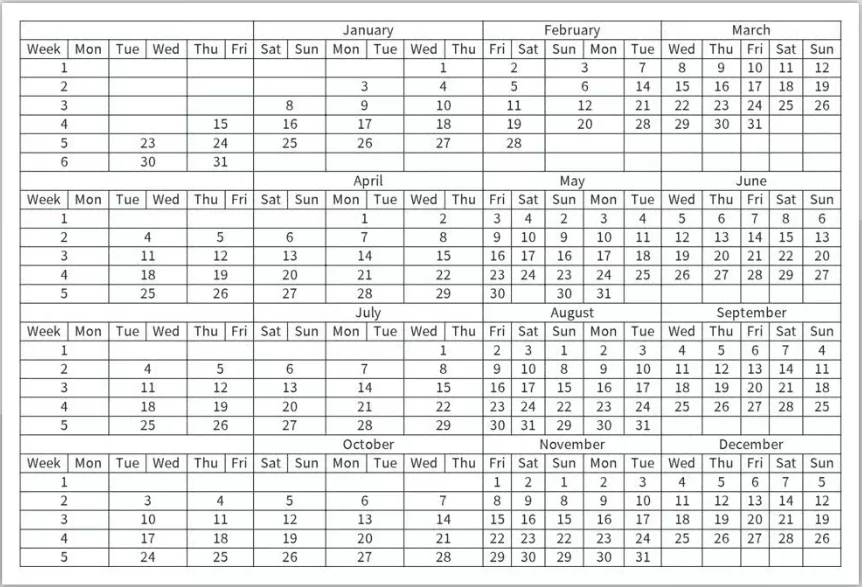
Choose one central system that everyone can access. This is your non-negotiable “Source of Truth.”
- Digital Option (Recommended): Use Google Calendar or a dedicated family app like Cozi or Jam. Create a shared login or share the calendar with all family members who have a device.
- Analog Option: A large magnetic wall calendar in a high-traffic area (like the kitchen). Use color-coded markers for each person.
- The Rule: “If it’s not on the calendar, it doesn’t exist.” Train every family member to check this single source before asking, “What are we doing today?”
Step 2: Implement the “Sunday Sync” Meeting
Proactive planning beats reactive scrambling every time. A 15-minute weekly meeting saves hours of confusion during the week.
The Action Plan:
Host a brief family huddle every Sunday evening. Keep it light—maybe serve dessert to make it appealing.
- Review the Week Ahead: Look at the next 7 days. Who needs a ride? Who has a late meeting? What equipment is needed for sports?
- Identify Conflicts: “Wait, Mom has a work dinner the same night as Timmy’s recital.” Spotting this now allows you to arrange a carpool or babysitter calmly.
- Meal Planning: Decide on dinners for the week based on who will actually be home to eat them.
Step 3: Color-Code for Visual Clarity
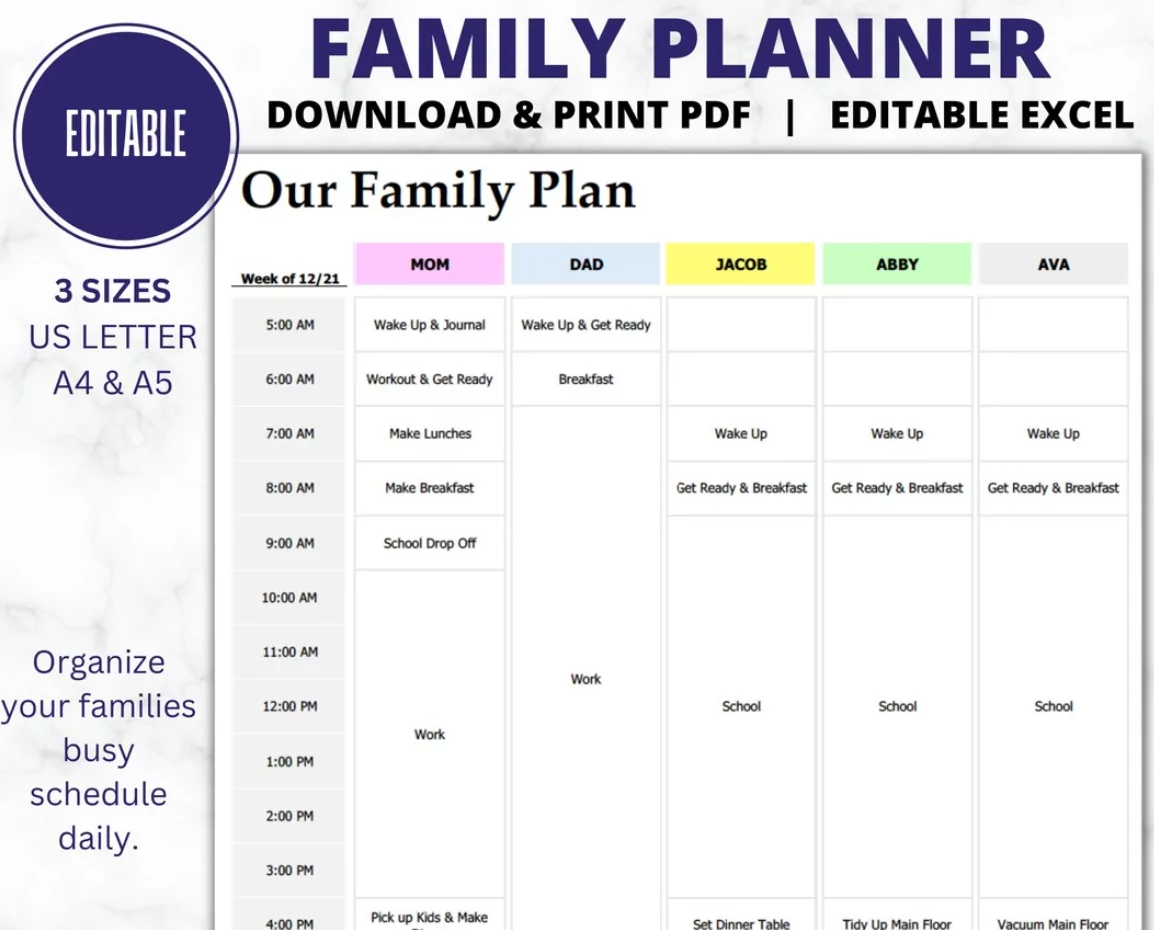
Visual cues process faster than text. When you look at a cluttered calendar, color-coding helps your brain instantly filter relevant information.
The Action Plan:
Assign a permanent color to each family member. For example:
- Parent A: Blue
- Parent B: Green
- Child 1: Red
- Child 2: Yellow
- Family Events (Everyone): Purple
This allows you to glance at the week and see, “Oh, Tuesday is a heavy ‘Red’ day, so Child 1 needs extra support.”
Step 4: Batch Tasks and Delegate Responsibilities
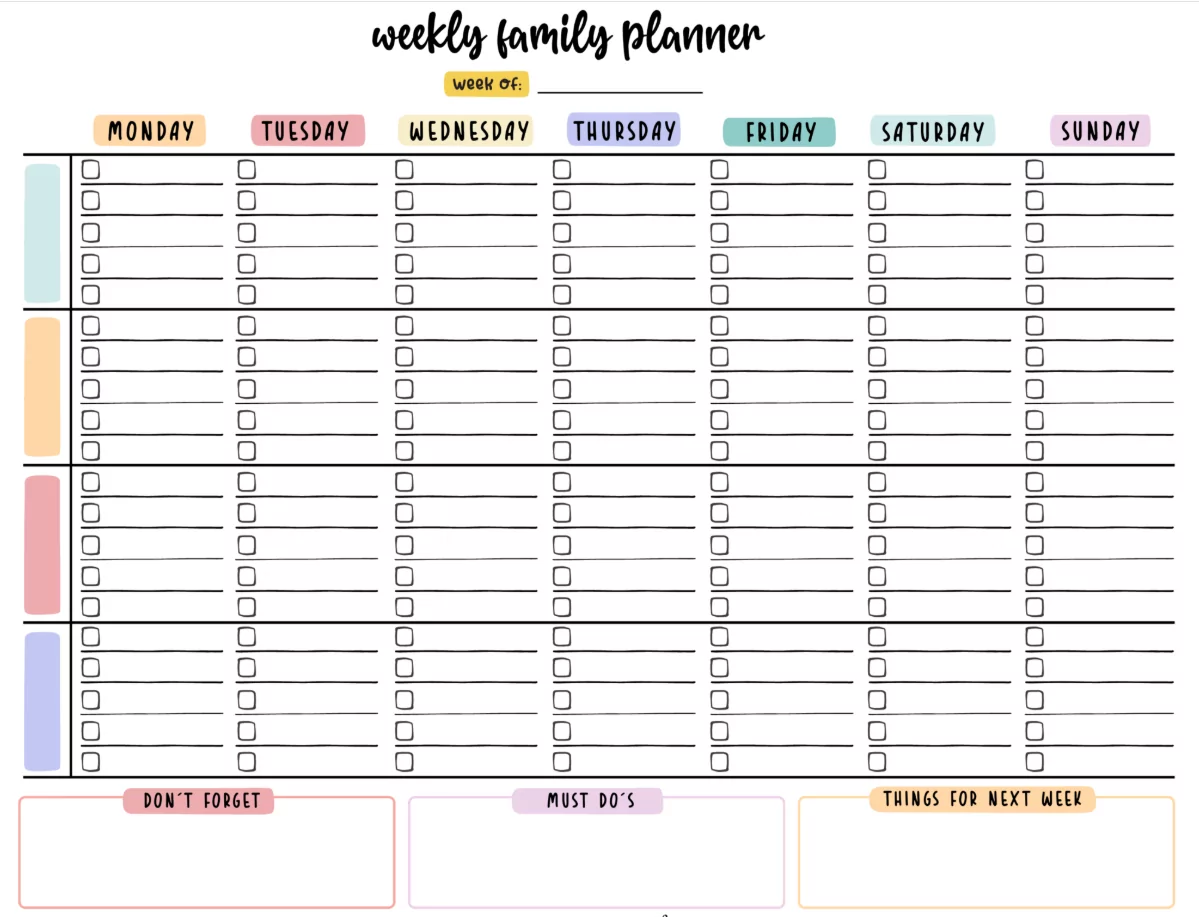
Productivity increases when you stop context-switching. Instead of running errands every single day, group them.
The Action Plan:
- Errand Batching: Designate one evening or weekend slot for all “out-of-house” chores (returns, dry cleaning, grocery pickup).
- Delegate by Age: Even young children can help.
- Ages 5-8: Check the calendar and tell you what activity is tomorrow.
- Ages 9-12: Pack their own gear bag the night before based on the calendar.
- Teens: Enter their own shifts or social events into the shared digital calendar.
Step 5: The “Night Before” Launchpad Routine
Mornings are the enemy of productivity. The success of your coordination happens the night before.
The Action Plan:
Create a physical “Launchpad” area near the door. Every evening, check the calendar for the next day and prep accordingly:
- Pack Bags: Gym bags, instruments, and backpacks go to the Launchpad.
- Check Logistics: Verify the car has gas/charge if a long trip is scheduled.
- Defrost Dinner: If the calendar says “Taco Tuesday,” move the meat from freezer to fridge.
Conclusion
Improving productivity through family activity coordination isn’t about becoming a rigid drill sergeant. It’s about building a system that carries the mental load for you. By centralizing your schedule, syncing weekly, and empowering your kids to participate, you stop managing logistics and start making memories. Start with Step 1 today, and watch your family’s stress levels drop.
