Financial success is rarely about making one big decision; it is about making small, consistent decisions over time. By moving your financial plan out of a spreadsheet and into your daily calendar, you transform abstract goals into actionable appointments. This strategy, often called “calendarization,” helps align your income and expenses with specific time periods to prevent cash flow bottlenecks.
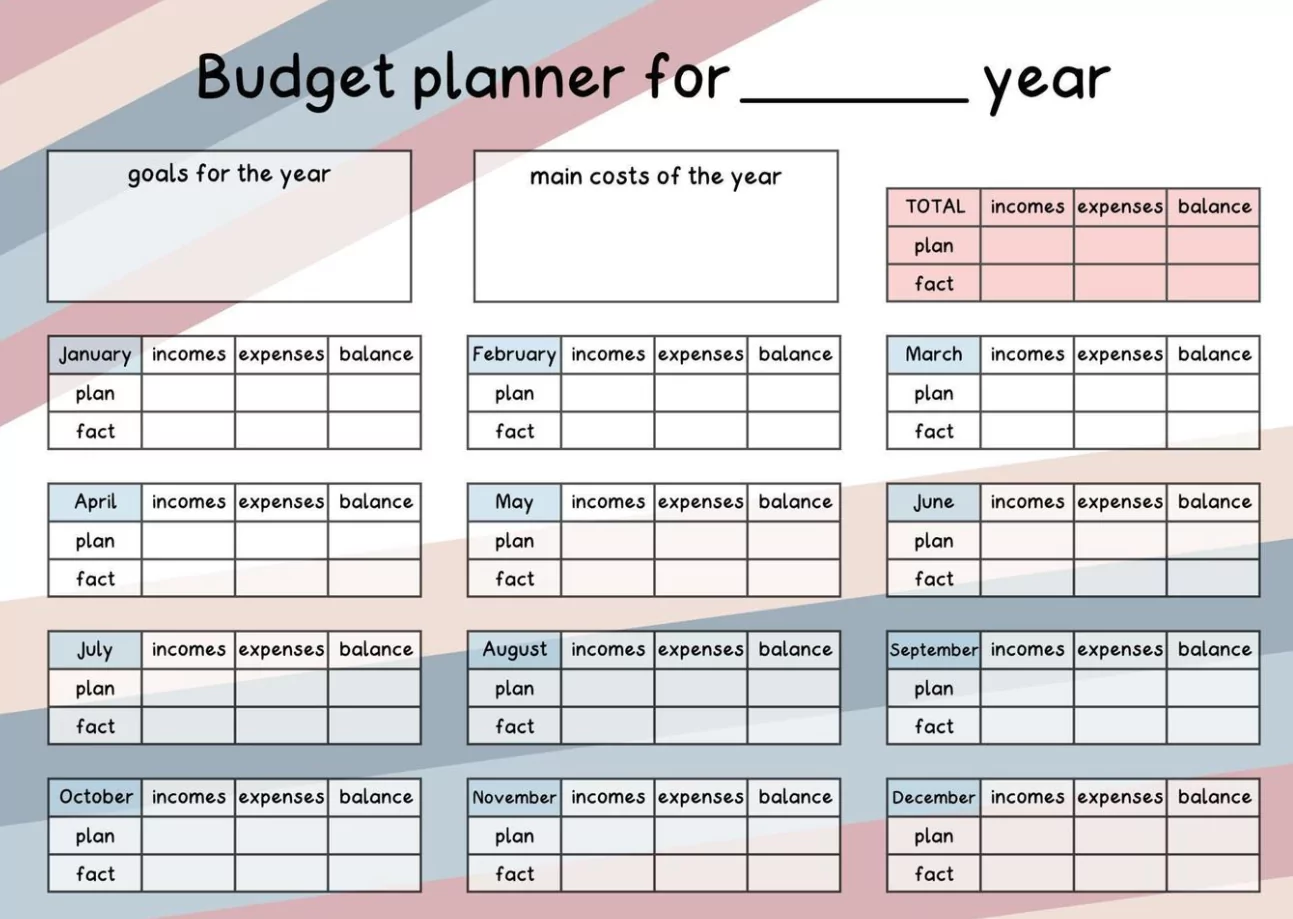
Below is a comprehensive example of how to structure an optimized financial calendar to manage your yearly planning effectively.

1. The Foundation: Color-Coding Your Financial Calendar
Before populating dates, create a visual system to distinguish between different types of financial activities. An optimized calendar uses distinct categories to reduce cognitive load.
- Red (Obligations): Fixed bill due dates, debt payments, and tax deadlines.
- Green (Inflow): Paydays, dividend payouts, and bonus release dates.
- Blue (Strategy): “Money Dates,” quarterly reviews, and planning sessions.
- Yellow (Action Items): Subscription cancellations, insurance renewals, and irregular expense reminders (e.g., car registration).
2. The “Money Date” Routine
The core of an optimized calendar is the recurring “Money Date.” This is a time-blocked appointment with yourself (or your spouse) to review finances without distractions.
- Weekly (15 Minutes): Every Friday. Check bank balances, categorize recent transactions, and review the upcoming week’s bills.
- Monthly (1 Hour): First Saturday of the month. Reconcile the previous month’s budget, pay off credit card balances in full, and adjust savings transfers.
3. Yearly Planning Roadmap: A Month-by-Month Example
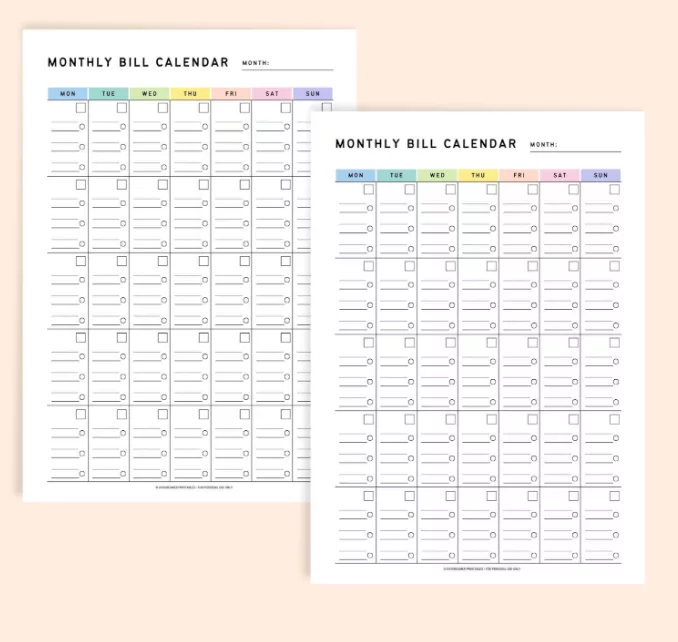
This example calendar structure anticipates seasonal expenses and financial opportunities throughout the year.
Q1: Reset and Tax Preparation
- January 5: Annual Goal Setting. Define contribution limits for retirement accounts (e.g., 401k, IRA) for the new year.
- February 15: Tax Document Gathering. Set a deadline to have all W-2s, 1099s, and deduction receipts organized.
- March 10: Sinking Fund Audit. Review savings buckets for upcoming large expenses (travel, insurance) to ensure you are on track before summer.
Q2: Mid-Year Adjustments
- April 15: Tax Filing Deadline (USA). If you filed early, schedule a “Windfall Allocation” event to assign your refund to debt or savings immediately.
- May 20: Subscription Audit. Review all recurring charges. Cancel unused streaming services or gym memberships before summer travel begins.
- June 30: Mid-Year Review. Compare actual net worth vs. your January 1st projection. Adjust H2 (second half) budget forecasts accordingly [web:6].
Q3: Strategic Planning
- July 15: Holiday Budget Setup. Begin setting aside funds for end-of-year gifts and travel to avoid December debt.
- August 20: Credit Report Check. Schedule an annual review of your credit report to check for errors or identity theft.
- September 10: Benefits Review. Prepare for “Open Enrollment” at work. Review health insurance usage to decide if you should switch plans next year.
Q4: Closing and Optimization
- October 15: Insurance Renewal Review. Shop around for auto and home insurance rates before auto-renewals hit in late winter.
- November 10: Tax Loss Harvesting. Review investment accounts to sell off losing assets to offset capital gains taxes before year-end.
- December 1: Final Contributions. Schedule the last lump-sum transfers to tax-advantaged accounts to maximize deductions.
4. Pro-Tips for Optimization
To truly optimize this system, use digital calendar features. Set notifications for 7 days before a major due date (to transfer funds) and 1 day before (to verify payment) [web:7]. Additionally, attach relevant documents directly to the calendar event—for example, attach your tax spreadsheet to the “Tax Prep” event or a link to your insurance policy to the “Renewal” event.
