Simple guide to printable calendar template 2026 — practical tips, example layouts, and print recommendations to help you use a paper calendar every day.
Why a printable calendar still wins
Digital calendars are convenient, but a printed calendar offers a different kind of usefulness: it’s visible, tactile, and distraction-free. A printable calendar template 2026 lets you glance at your week, cross off tasks, and build routines without opening apps. If you want better daily focus, a paper calendar can be a surprisingly effective habit tool.
What type of printable template should you pick?
Not all templates are created equal. Choose one based on how you plan your day:
- Monthly overview — one page with all days of the month; great for birthdays, paydays, and deadlines.
- Weekly spread — one page per week; ideal for time-blocking and balancing work/leisure.
- Daily page — one day per page; best for heavy task loads and detailed notes.
- Hybrid — monthly + small daily boxes for quick tasks (works well in a planner).
Practical daily routine using a printable calendar
- Morning: Open the day. Write 1–3 MITs (Most Important Tasks). Add time-sensitive events.
- Midday: Check progress and reassign tasks if needed. Use a highlighter for top priorities.
- Evening: Do a 2-minute review: cross off done items, migrate unfinished tasks, and add one goal for tomorrow.
Keeping this three-step habit (morning plan → midday check → evening review) turns a printed calendar from static paper into a daily workflow tool.
Example layouts and how to use them
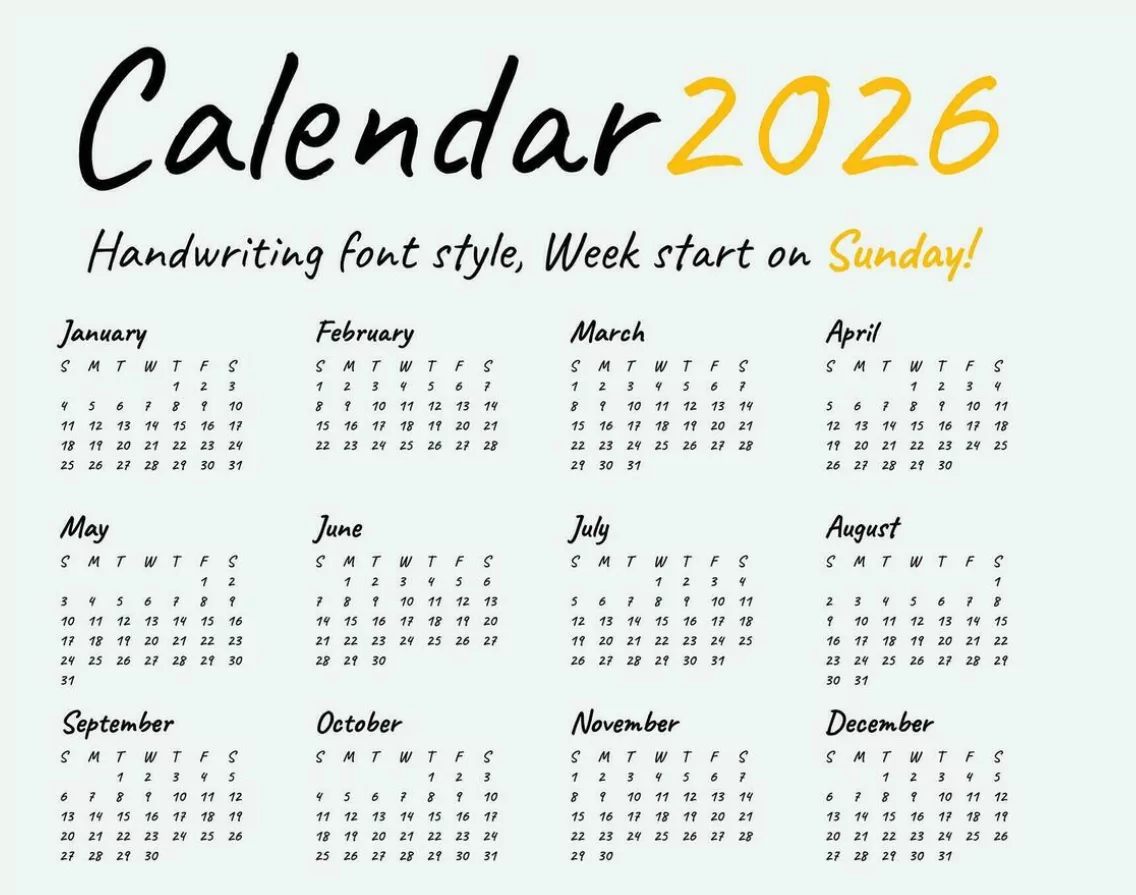
Monthly one-page
Use this for long-term deadlines, trips, or monthly goals. Add a small notes column for “Top 3 goals this month.” Keep holidays and paydays color-coded for quick scanning.
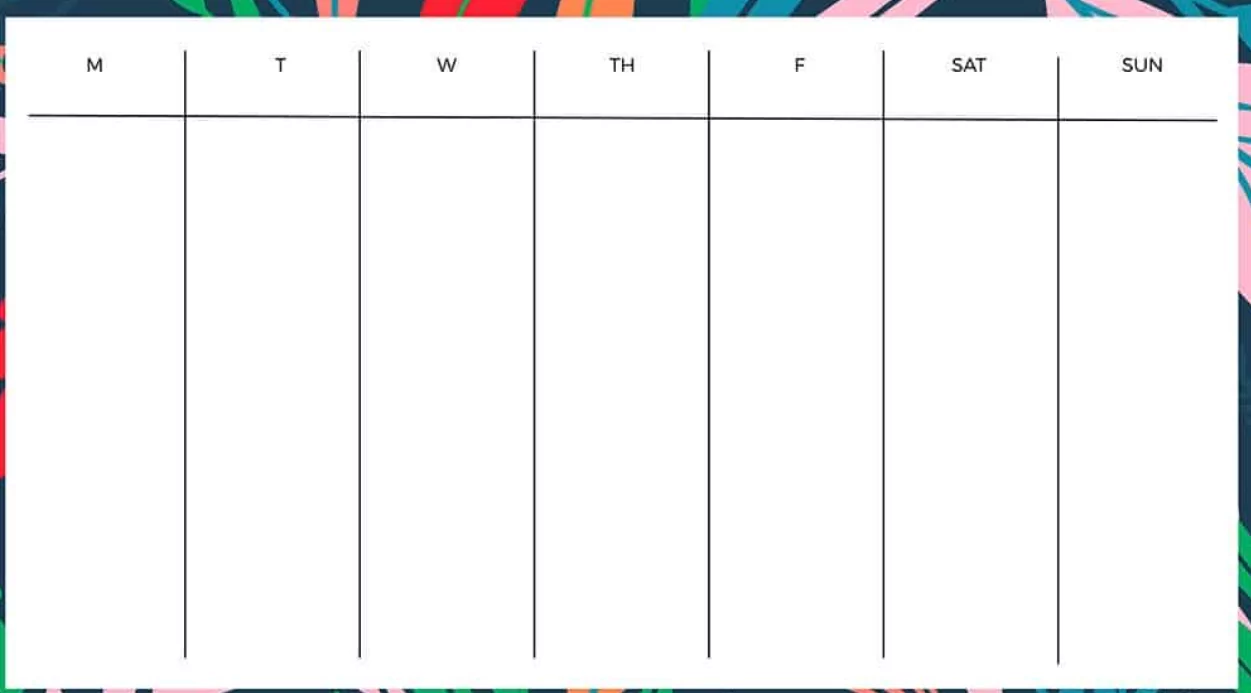
Weekly landscape (A4)
Block each day into morning / afternoon / evening sections. Reserve the bottom row for a weekly habit tracker (water, exercise, focus time). Include a small “Next week” box to park tasks you can’t get to yet.
Daily A5 (single day per page)
Divide the page into hourly slots, a to-do column, and a “notes & reflection” box. Perfect if your days are packed and you need minute-level planning. Add a small gratitude line to keep morale high during busy weeks.
Printing tips & paper recommendations
- Paper size: A4 for desks, A5 for planners, Letter size in the US.
- Paper weight: 90–120 gsm to avoid bleedthrough if you use pens/markers.
- Printer settings: Use “Fit to page” or 100% scale depending on the template. Select “High quality” for crisper lines if you write small.
- Ink considerations: If you annotate heavily, print double-sided only on thicker paper to prevent ghosting.
Customization ideas (quick wins)
You don’t need design skills to make a template yours:
- Color-code events with sticky tabs or colored pens.
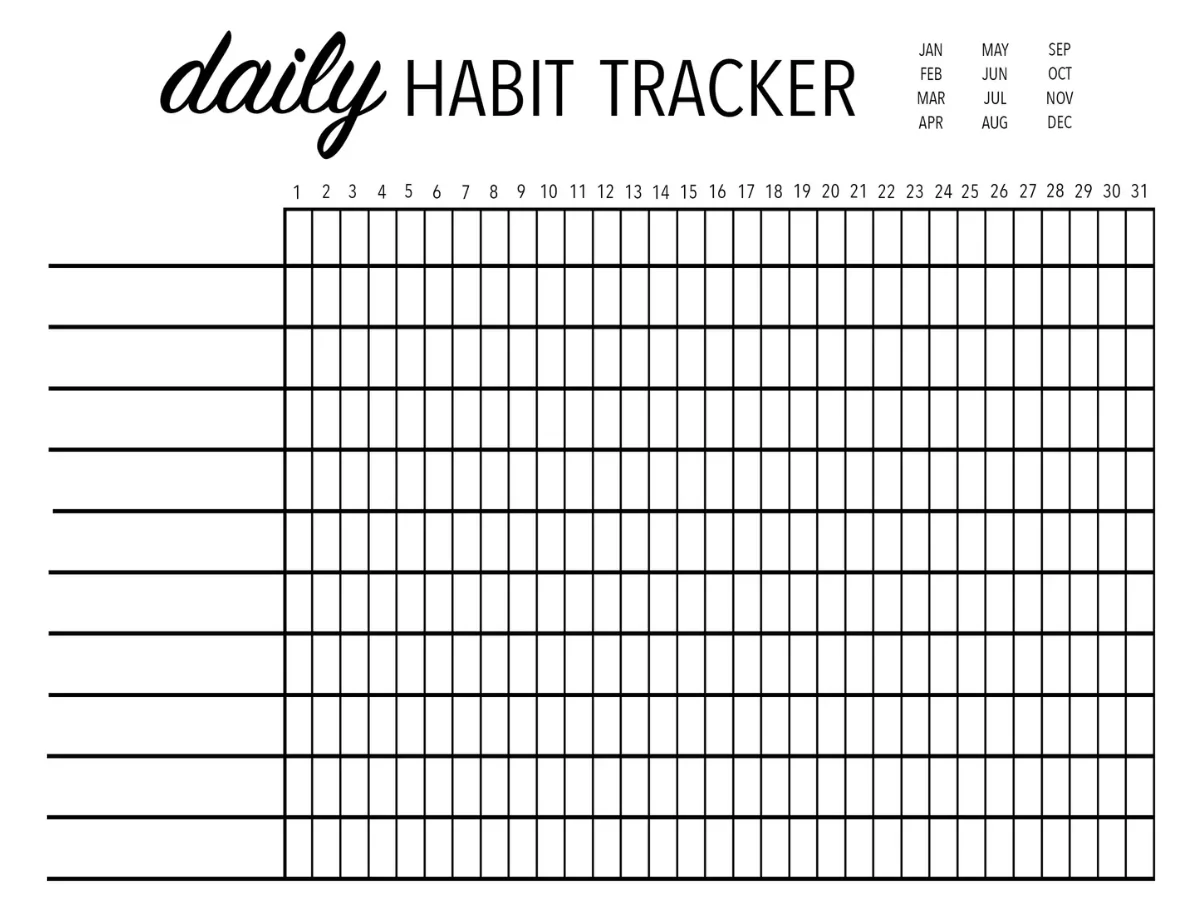
- Add a small habit tracker column (7 days × 3 habits).
- Keep a margin for one-line reflections: “What went well?”
- Lamination trick: reuse a monthly overview with a whiteboard marker.
Use it consistently (so it doesn’t become wall art)
Make the calendar part of a simple routine: a 5-minute nightly review and a quick morning check for MITs. Place the calendar where you’ll see it without thinking—near the kettle, by your laptop, or at eye level on a wall. Consistency beats complexity.
Recommended quick setups
If you want to start fast:
- Minimalist desk: Weekly A4 + sticky-note MITs.
- On-the-go: Daily A5 sheets in a slim binder.
- Family hub: One big monthly calendar on the fridge with color-coded initials.
Final notes
A well-made printable calendar template 2026 is more than dates on paper—it’s a visual habit builder. Pick a format that fits how you plan, keep printing simple, and add one tiny routine (morning plan or nightly review). Try one month and tweak as you go—the right paper system helps you use your plan instead of just admiring it.